
|
Vibrance |
 Where to find it:
 Add Adjustment Layer / Extension Pack / Color Correction /
 NodeGraph / Right Mouse Click / Nodes / Filter / Extension Pack / Color Correction /
The Vibrance Adjustment increases saturation on colors. Other than a regular Saturation Filter it works based
on a curve - saturating colors with lower saturation first before moving on to higher saturated colors.
This helps unifying overall saturation without value clipping.
|
Node Overview |
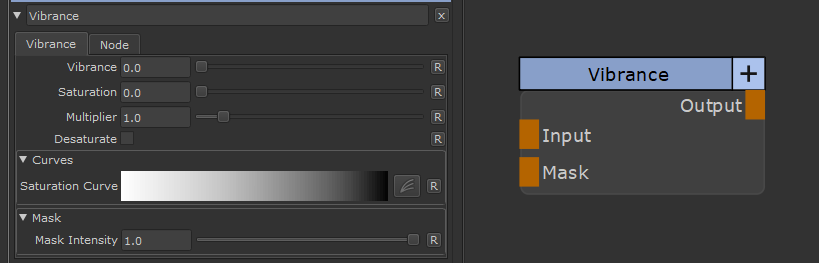
|
Node Ports |
•Input
The input to Adjust
•Mask
A Mask to define where the changes should appear. Defaults to white
|
Node Properties |
MAIN TAB