
|
Swizzle |
 Where to find it:
 Add Adjustment Layer / Extension Pack / Utils /
 NodeGraph / Right Mouse Click / Nodes / Filter / Extension Pack / Utils /

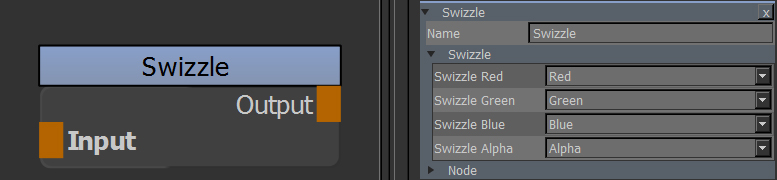
Swizzle allows you to modify the red, green, blue and alpha channel of your data.
For example you might want to swap the red and green channel, set the alpha channel to black or other operations.
The Swizzle node in that regard is similar to the standard Mari Shuffle Node, however it has some additional options.
|
Video |
|
Node Overview |
|
Node Properties |
MAIN TAB
