
|
SuperEllipse 2D by Nicholas Breslow |
 Where to find it:
 Add Procedural Layer / Procedural / Extension Pack / Pattern /
 NodeGraph / Right Mouse Click / Add Nodes / Procedural / Extension Pack / Pattern /
|
|
This Node is also available as a Triplanar Version |


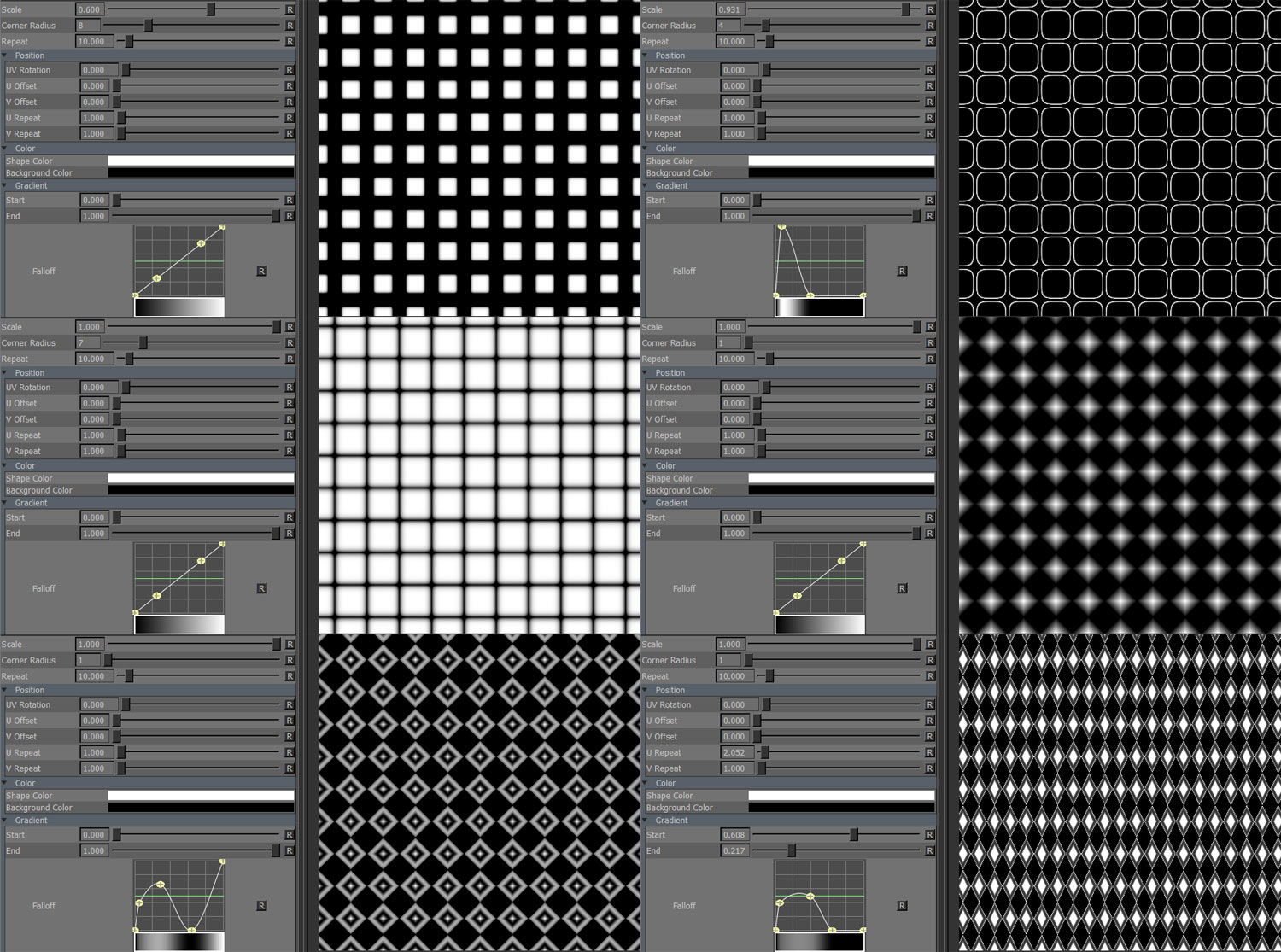
SuperEllipse is in many ways similar to Dots but with the addition of a custom corner radius setting, more pattern variation can be achieved.
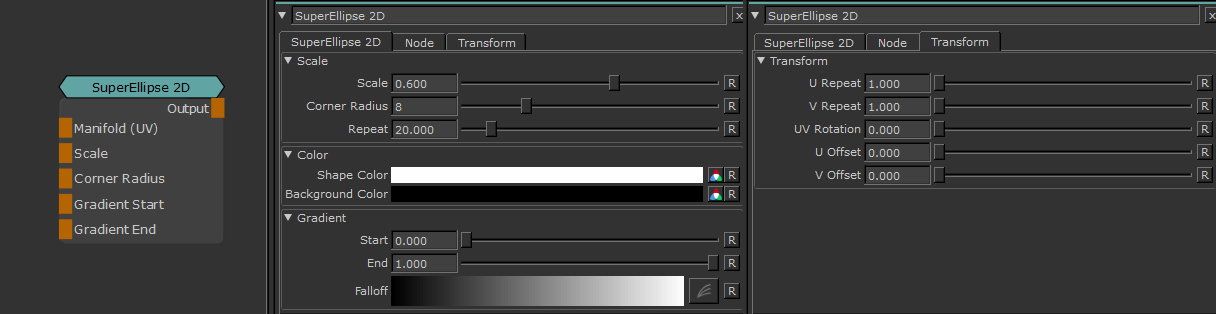
•Manifold (UV)
Overwrite the default UVs used with custom uvs (for example through a Manifold UV Node).
This can be used to control UV settings from a separate node entity
•Scale
Control the Scale of the result. Overwrites Scale Slider
•Corner Radius
Sets the radius of the corner of each shape, changing the shape from a rhombus to a circle to a rectangle etc.
Overwrites Corner Radius Slider
•Gradient Start
Control the Gradient Start. Overwrites Start Slider
•Gradient End
Control the Gradient Start. Overwrites End Slider
MAIN TAB
•Scale
Scale of each shape. Decreasing shape size increases gap size between shapes.
Increasing Scale of SuperEllipse

•Corner Radius
Sets the radius of the corner of each shape, changing the shape from a rhombus to a circle to a rectangle etc.
Increasing Corner Radius of SuperEllipse

•Repeat
The number of shapes to draw horizontally and vertically.
•Shape Color
Color of each shape.
•Background Color
Color of area around shape.
•Start
The Value range up to which Background Color is drawn.
•End
The Value representing the full Shape Color.
•Falloff
Remap Curve against the final result.
TRANSFORM TAB
•UV Rotation
Rotating in degrees. Pivot is the center of each UV Tile / UDIM.
•U Offset
Translates shapes horizontally in UV Space.
•V Offset
Translates shapes vertically in UV Space.
•U Repeat
Multiplier against 'Repeat' for the number of shapes drawn horizontally in UV Space.
•V Repeat
Multiplier against 'Repeat' for the number of shapes drawn vertically in UV Space.