|
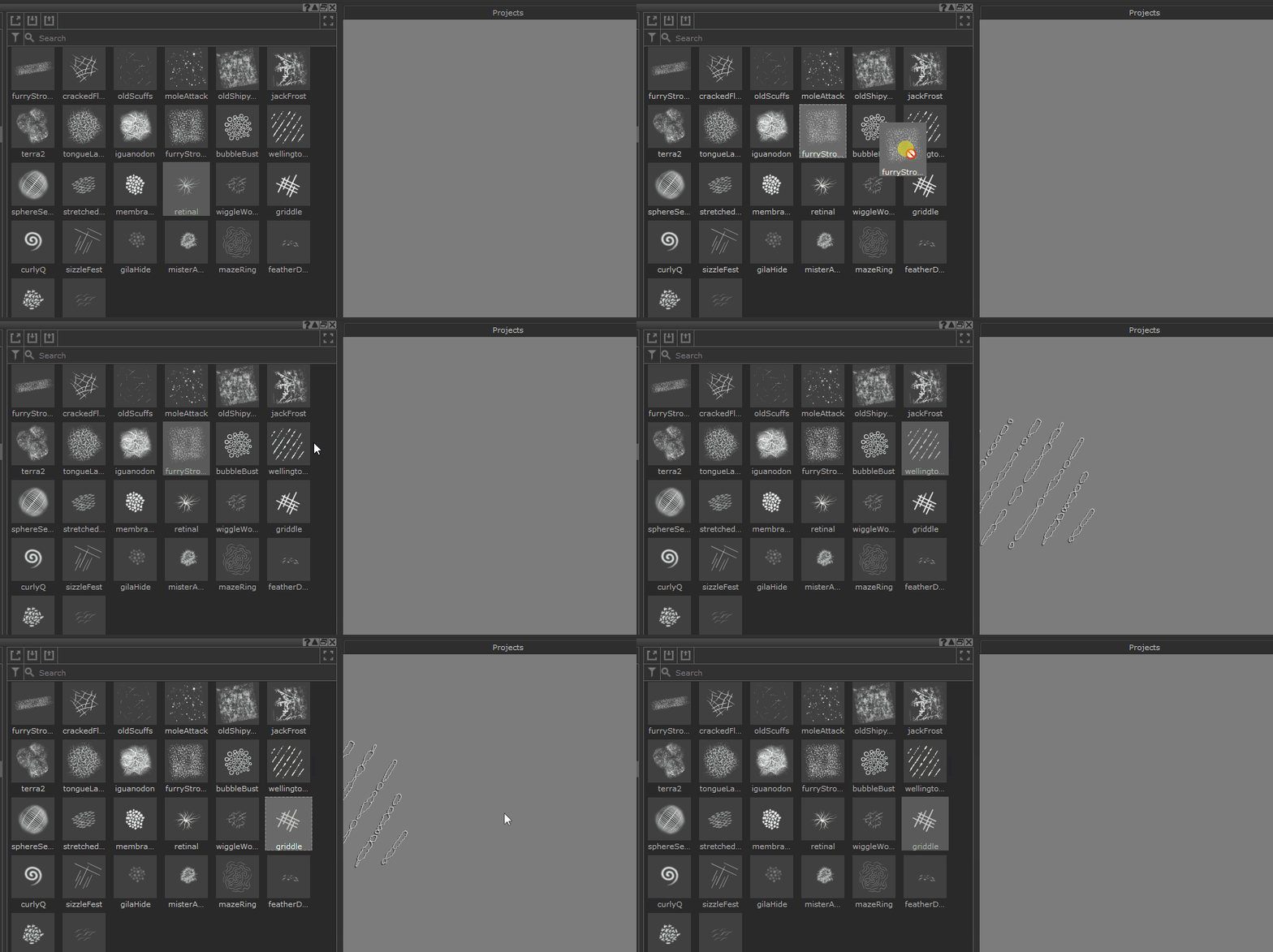
Switching Brushes via Drag & Drop |
 Where to find it:
 Shelf Palette
Shortcut: (unassigned, use "Edit / Shortcuts" to assign)
|
|
Extension Pack greatly extends the drag and drop functionality of Mari's Shelf. Check out all the other drag & drop actions here |
Mari's default behavior to activate a brush stored in the Shelf is to double click on it

Extension Pack extends this behavior to also allow dragging a brush to the viewport to switch to it
|
|
Updating only Brush Tip If you hold the SHIFT or CTRL Key when dropping the brush, only the Bitmap settings of the dropped Brush Item are pushed on your current tool, while other settings (jitter etc.) are kept. |