|
Repeat Last Custom Channel Export |
 Where to find it:
 Channels Palette /
 Channels Palette / Right Mouse Click
 Export
Export Flattened
Main Window / Channels /
Export
Export Flattened
Main Window / Extension Pack / Channels /
 Export
 Shortcut: CTRL+ALT+E

 Repeat Last Custom Channel Export
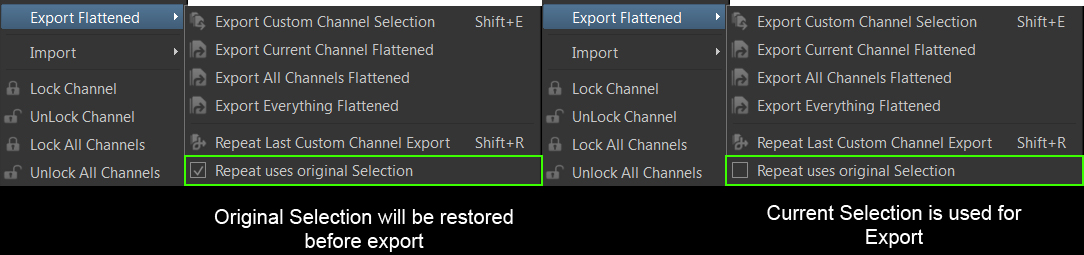
Repeat uses original Selection
Repeat Last Custom Channel Export will rerun the last Export you performed using Export Custom Channel Selection.
It will use exactly the same settings, export the same channels to the same paths etc.
If the last Export was performed using 'Export Selected Patches' the original Selection you had at that time will be restored
unless the Repeat uses original Selection checkbox is unchecked