|
Normal Directional Mask |
 Where to find it:
 Add Adjustment Layer / Extension Pack / Normal Map /
 NodeGraph / Right Mouse Click / Nodes / Filter / Extension Pack / Normal Map /

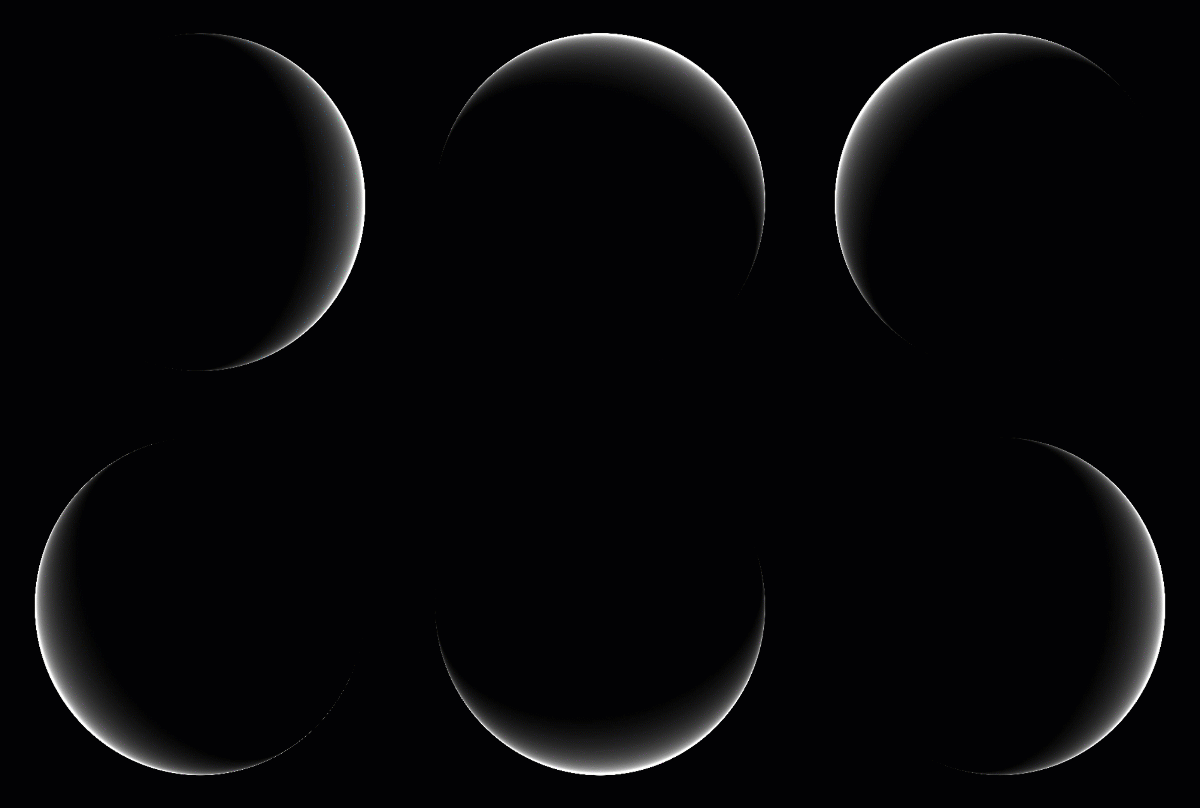
Normal Directional Mask creates a mask based on an angle of vectors inside a normal map
|
Node Overview |

|
Node Ports |
•Normal Map
The Normal Map Input stream to create a mask from
•Rotation Map (0-1,optional)
A black to white (0-1) map defining the values to rotate the Normal Map.
The Rotational Map is evaluated in addition to the Angle slider in the Node Properties
•Position
Defines the Midpoint on the histogram from which to contrast from. This replaces the value in the Position Slider in the Node Properties
•Contrast
Defines the Bracket around the 'Position' for Black & White Point. This replaces the value in the Contrast Slider in the Node Properties
|
Node Properties |
MAIN TAB