
|
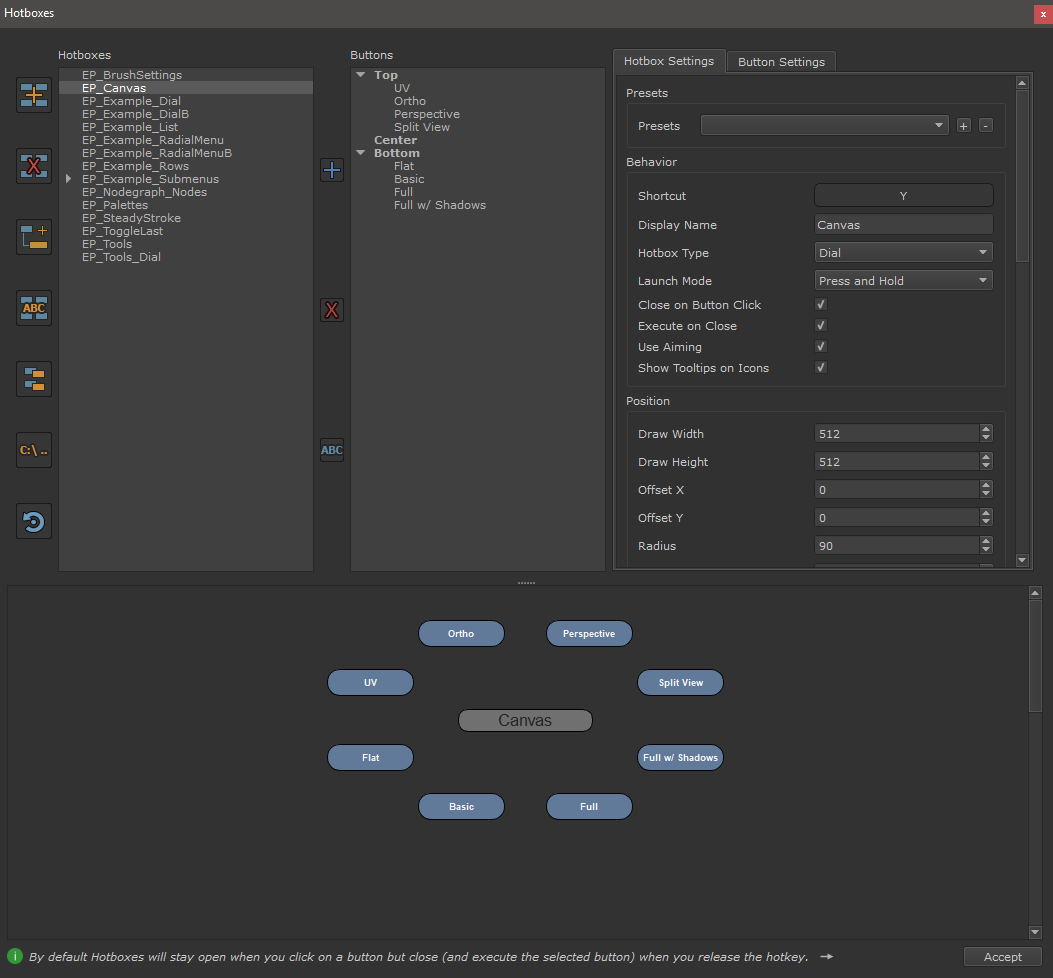
Hotbox Manager |
 Where to find it:
 Main Window / Edit / Hotboxes
Main Window / Extension Pack / Hotboxes
 Shortcut: (unassigned, use "Edit / Shortcuts" to assign)
The Hotbox Manager is the heart of the Extension Pack Marking Menu and Hotbox Toolset, allowing you to create your own hotboxes and edit
default ones. Explore the topics below to learn about its features

PREVIOUS PAGE: Saving and Sharing Hotboxes
NEXT PAGE: User Interface Overview