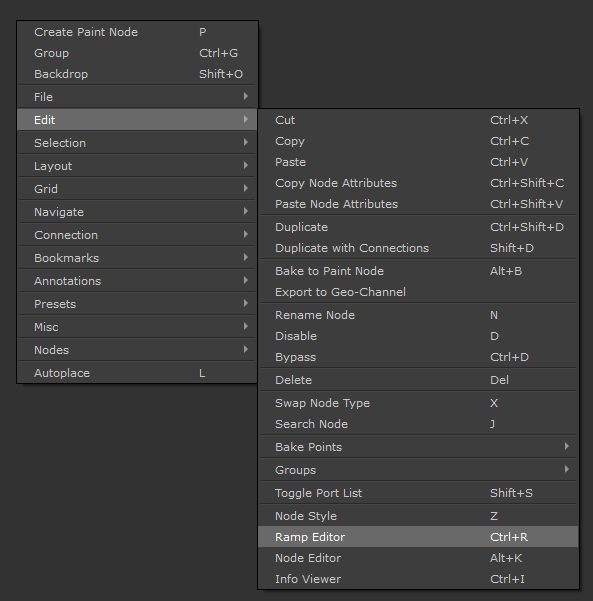
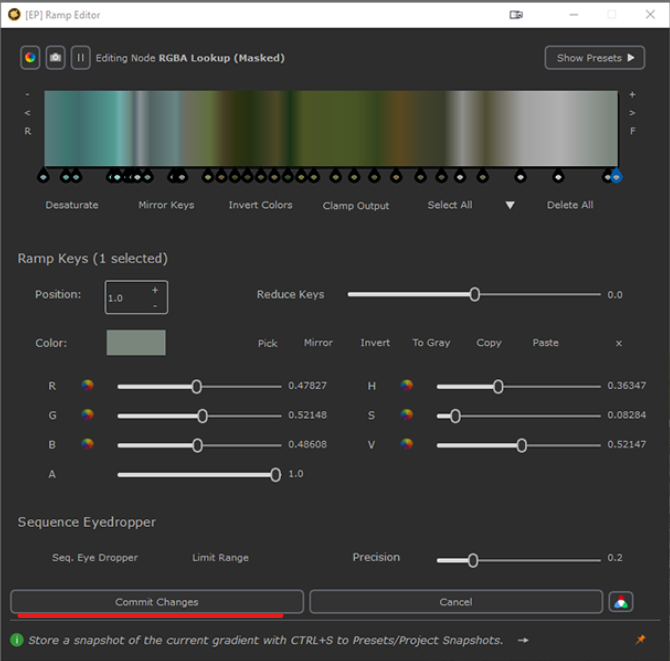
In order to use the Ramp Editor, you need to select one of the Node types listed below, in the Nodegraph
 Color Lookups
Brightness Lookups
RGBA Lookups
Gradient Maps
Group, Custom Procedurals and Material Nodes with exposed Attributes from Nodes above
The Ramp Editor can then belaunched via the Right Mouse Click Nodegraph Context Menu or by pressing CTRL+R