|
Combine Selection Groups |
 Where to find it:
 Selection Groups Palette / Right Mouse Click
Main Window / Extension Pack / Selection Groups /
Shortcut: (unassigned, use "Edit / Shortcuts" to assign)
Sub Topics:

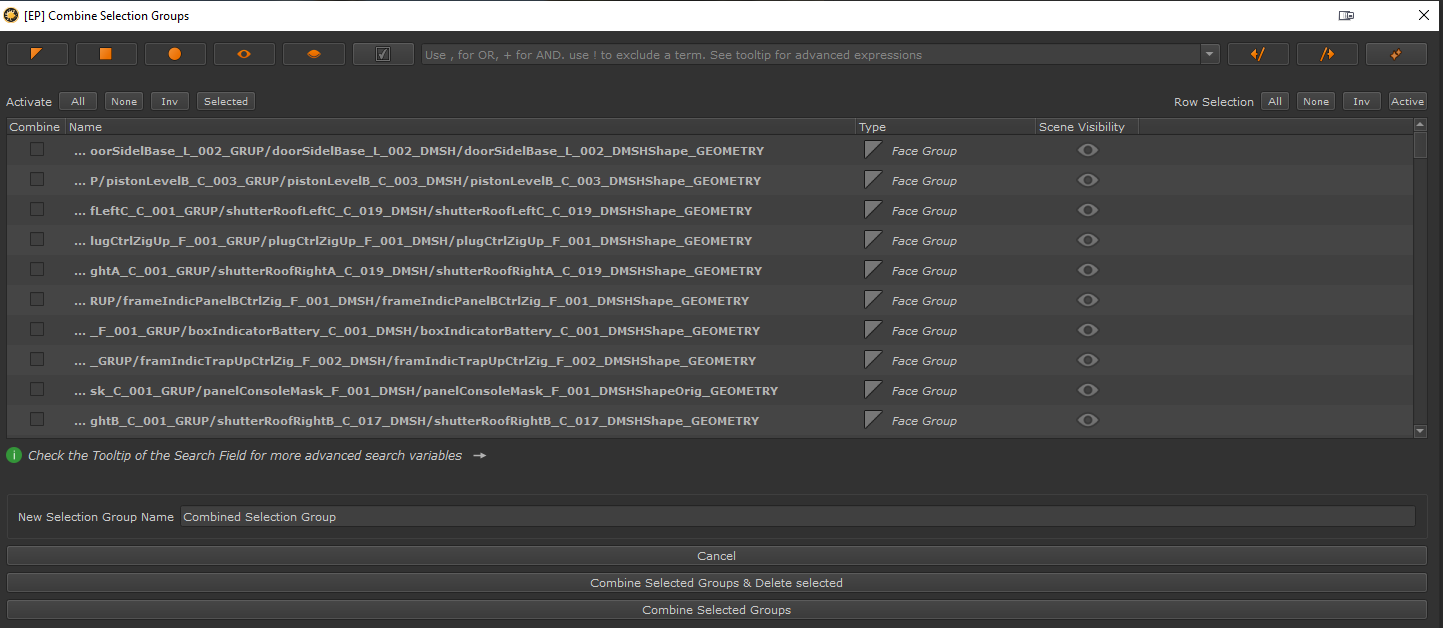
The Combine Selection Group Dialog found in the Right Mouse click menu of the Selection Group Palette, allows you to combine any number of Selection Groups into a new Group,
that contains all selected elements from the originally combined Groups.
Together with powerful filtering methods it allows you to easily create combined Groups, even in complex scenes, containing many Selection Groups