
|
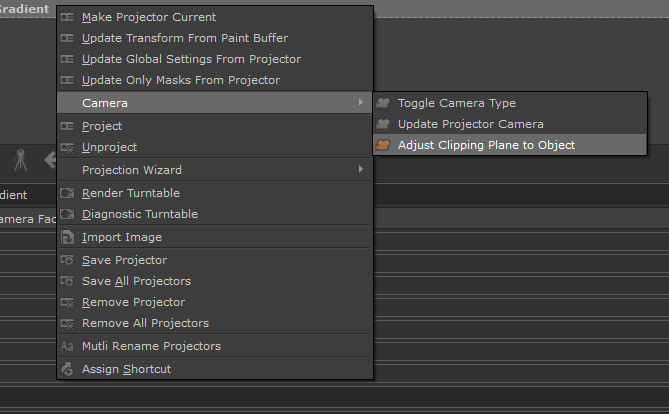
Adjust Clipping Plane to Object |
 Where to find it:
 Projector Palette / Right Mouse Click / Camera /
Main Window / Extension Pack / Projectors /
Shortcut: (unassigned, use "Edit / Shortcuts" to assign)
Adjust Clipping Plane to Object will update the currently selected Projector's Clipping Plane to tightly fit the active Mari Object.
This option is auto-executed when adding a Projector via a Node e.g the "Camera Facing Gradient" as seen in below video.
Nodes like this rely on the Projector's Clipping Planes to determine Slider Ranges, so having a tight Clipping Planes greatly increases accuracy.
Example of adding a new projector directly from a node, auto-ranging the projector clipping planes for improved slider precision