|
Preview Area |
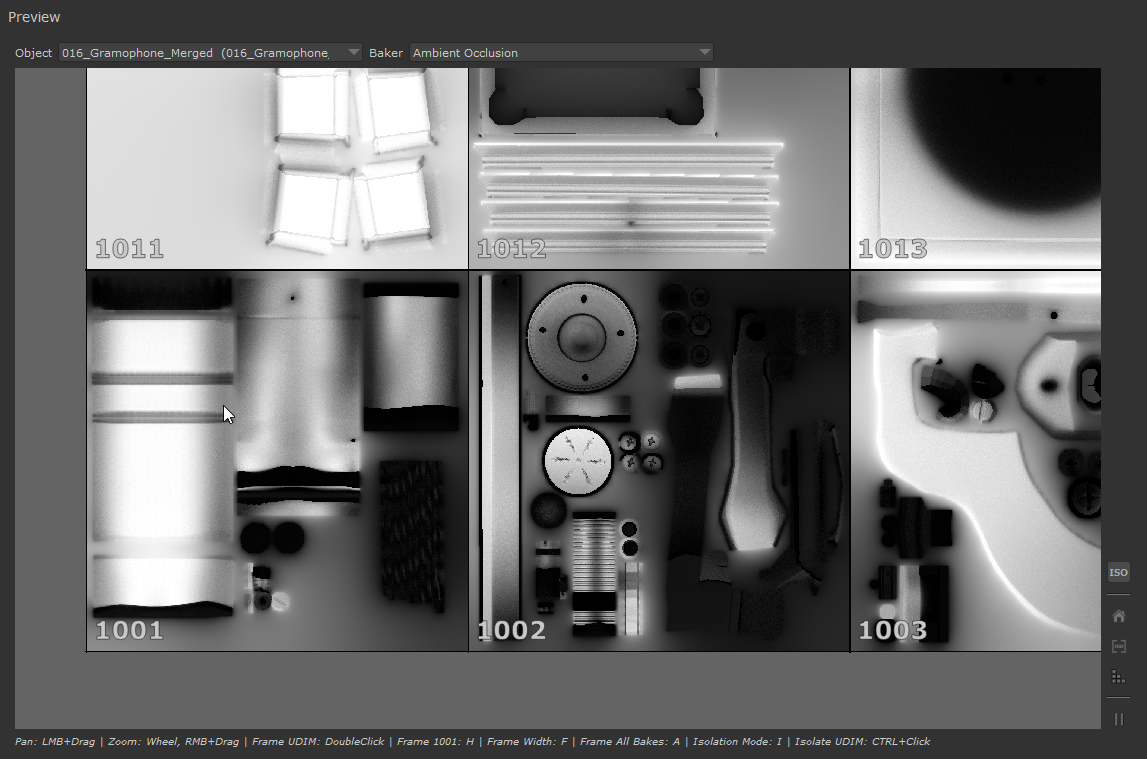
The Preview Area shows you the results of your Bake Processing while they are still baking, making it ideal to spot mistakes
and tweak settings before committing to a finished Bake.
oIn Bake Preview Mode, Images will be shown here but the end result won't be imported into Mari
oIn Bake Preview Mode, the Preview Resolution (found in Tool Configuration Section) can be used to reduce the size/resolution
of the Bakes for faster feedback

oIn Bake Mode, Images will be shown here before the end result is then imported into Mari

oThe Preview can be suspended to conserve memory by pressing the Pause Button


•Object Selection
The Object Selection Dropdown allows you to select which baked Object you want to see in the preview.
Obviously this is only relevant if you baked more than one Object in the Mari Object to Bake List.
•Baker Selection
The Baker Selection Dropdown allows you to select which Baker you want to see in the preview.
Obviously this is only relevant if you added more than one baker in the Baker Render List
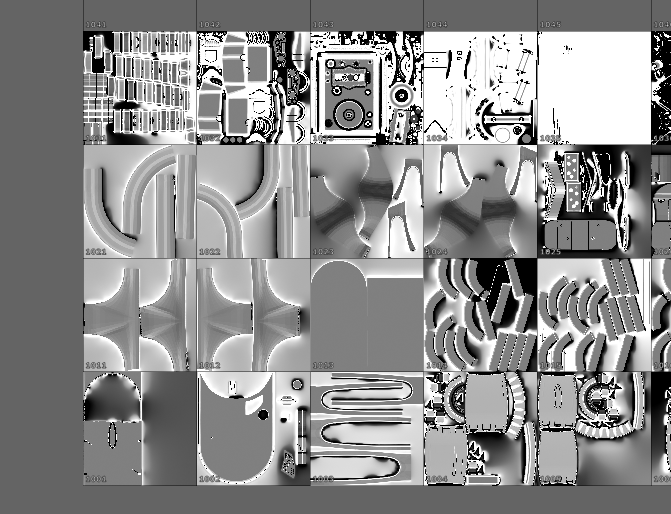
The Main preview area shows you the baked images.
•Viewport Navigation
You can navigate around the Preview area by:
oPressing the left mouse or middle mouse button and dragging in the preview area to pan the view
oUse the Mouse wheel to zoom in or out
oPress the right mouse button and drag to zoom in or out
oDouble click a UDIM to frame it in the preview

•Isolate Mode
Activates the Preview Isolation Mode
Hotkey 'I'
|
|
Isolation Mode is only evaluated when baking Previews. For full Bakes, the set Baker UDIM Range is used |
The isolation mode allows you to select which UDIMs to preview when executing a Preview Render, ignoring the set UDIM range on individual Bakers.
CTRL+Click on UDIMs to add them to the Isolation, CTRL+Click again to remove
•Return to 1001
Frames the View area to UDIM 1001
Hotkey 'H'
•Frame UDIM width
Frames the View to the full width of UDIMs 1001 - 1010
Hotkey 'F'
•Frame Bakes
Frames the view so that all Baked Images are visible
Hotkey 'A'
•Pause Preview
Pauses the Loading of Images into the Preview Widget during Baking
Loading in Images into the Preview area takes a small amount of time during the bake process and will increase general RAM usage
(since each image needs to be loaded and kept in RAM).
If you have a large amount of udims to bake at high resolutions, and your RAM is full, this might lead to issues.
If you are experiencing issues during baking, try pausing the Preview
<= Selected Baker Parameters => Render Log