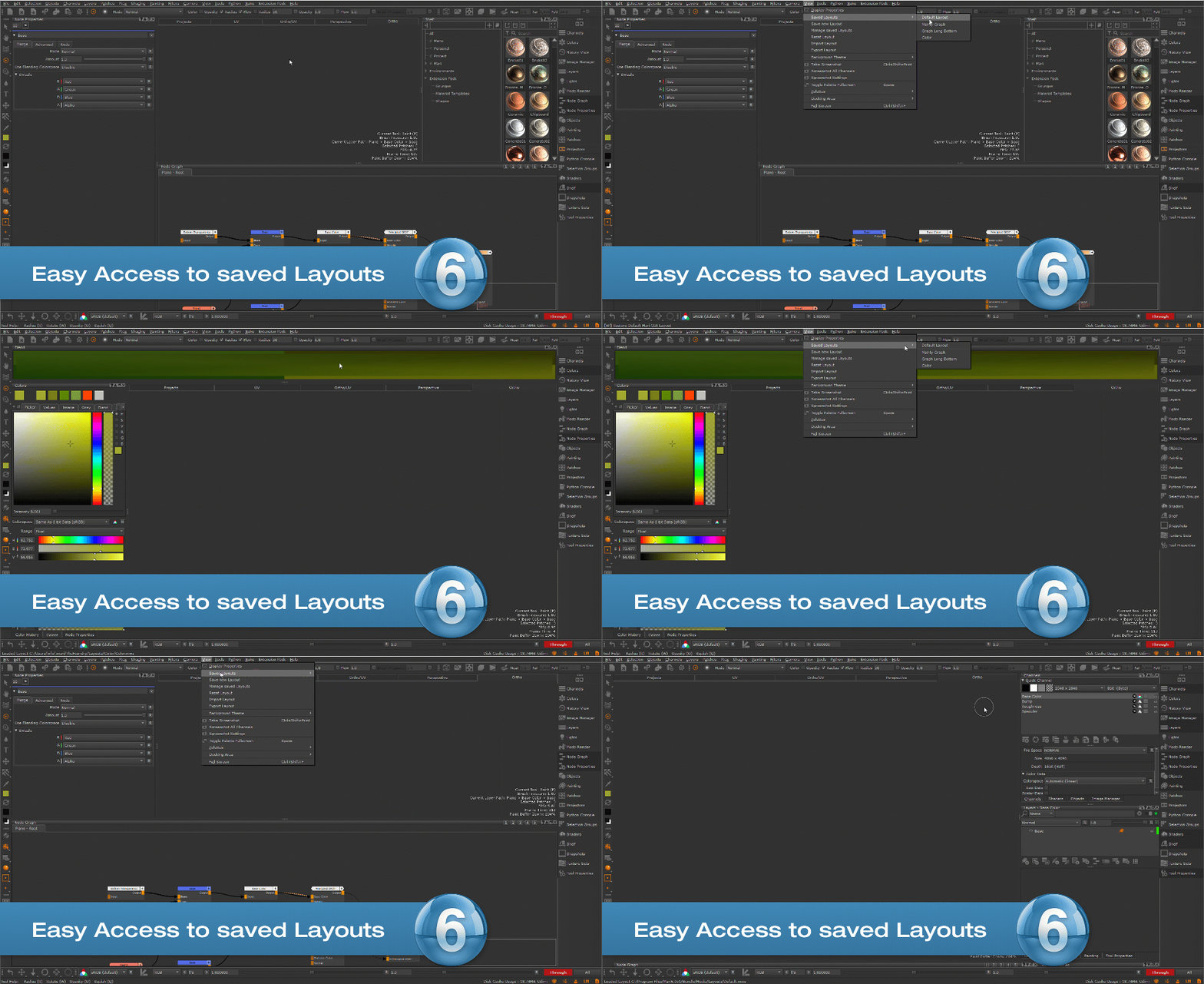
Extension Pack allows you to directly store and load UI Layouts from the Mari Interface.
While Mari by default allows you to export and import Layouts, this process usually involves manual browsing in a file browser.
Extension Pack greatly simplified the process
Tutorial
Storing & Loading Layouts
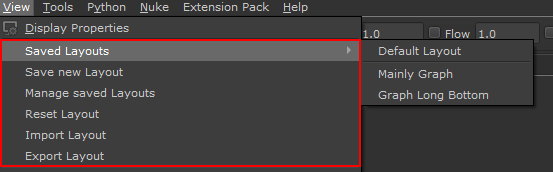
Extension Pack changes the default entries int he View Menu and adds new ones.
"Save new Layout" will store a Layout inside your Mari User Preferences Folder.
Layouts saved in this way are available under the "Saved Layouts" Submenu
Mari's native options have been renamed:
"Save Layout" is now called "Export Layout" and will allow you to save a layout file to a disc location
"Load Layout" is now called "Import Layout" and will allow you to manually load a layout file from a disc location
"Default Layout" is now called "Reset Layout" and will reset the Mari Layout to its default Layout
Layout Manager
The Layout Manager dialog helps you with editing and deleting Layouts that have been saved the Extension Pack's "Save new Layout" option and are appearing under the "Saved Layouts" Submenu
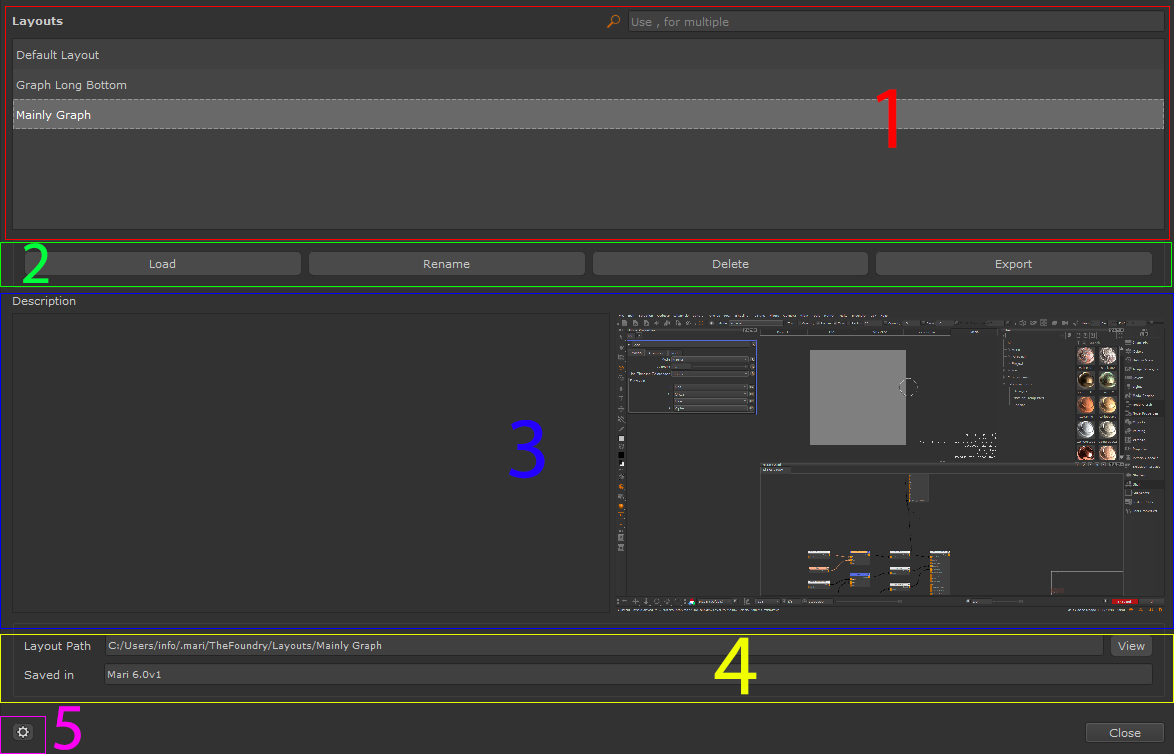
The Layout Manager dialog can be separated into the following Sections:
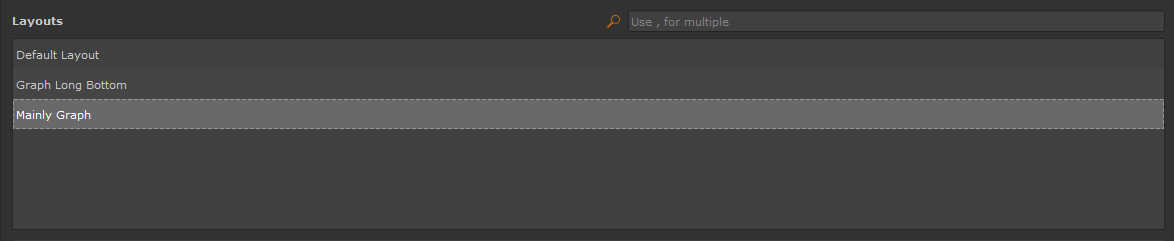
The Layout List shows all Layouts that are saved in your custom Layout Save Location.
You can search with the filter and load a layout by double clicking on it
▪LOAD
Load the currently selected Layout. You can also load a layout by double clicking on it in the list
▪RENAME
Rename the currently selected Layout. You can also edit the Layout Description
▪DELETE
Delete the currently selected Layout.
▪EXPORT
Export the currently selected Layout as a file to a location on disc
Shows an option Description and a Preview of the currently selected Layout.
Descriptions can be created when saving a new Layout or edited via the Layout Manager "Rename" Button.
Previews are captured automatically when a new Layout is saved.
The Info Bar shows the Save Path of the currently selected Layout as well as the Mari Version it was saved in.
By clicking on the "View" Button the Save Location is opened in a File Browser
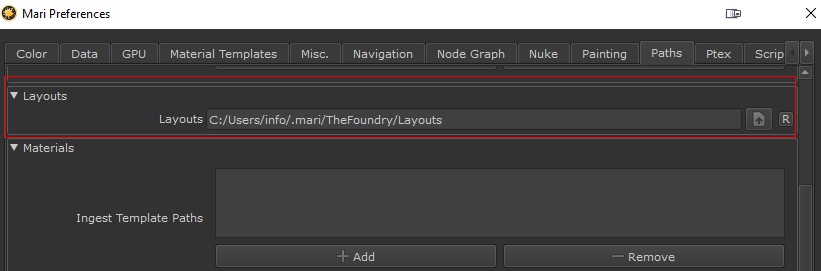
The Settings allow you to specify where Extension Pack should save and load Layouts from.
The same setting also exists as a duplicate in the Mari Preferences /Paths Tab

 Where to find it:
 Main Window / View Menu