- Lesson 1: This isn't Substance Painter
- Substance Painter
- Mari
- Lesson 2: Mari Bake Points
- What are Bake Points
- So I just add Bake Points everywhere and have Substance Painter ?
- Lesson 3: The Layer Cake Approach
- Working "Container" based
- Exceptions to the Rule
- Lesson 4: Learn your Bake Point Tools
- BakeTools
- Range
- Bake Point Slots
- Bake Points Properties Spread Sheet
- Lesson 5: The Multi Channel Node Optimizer
Many new Mari users, with only experience in Substance Painter, will try and treat Mari like another Substance Painter. . meaning they will layer materials and nodes continuously until after a few (dozen) layering operations their scene performance comes to a grinding halt.
There are some fundamental differences in how Substance Painter and Mari work.
So if a heavy asset can't be done in substance painter due to GPU memory limits - but you can't achieve the same layerstack / nodegraph complexity in mari without having terrible viewport speeds, what can you do ?
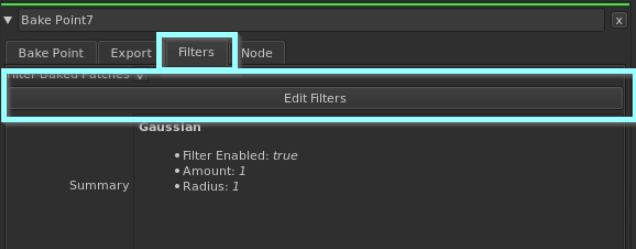
The solution are Bake Points.
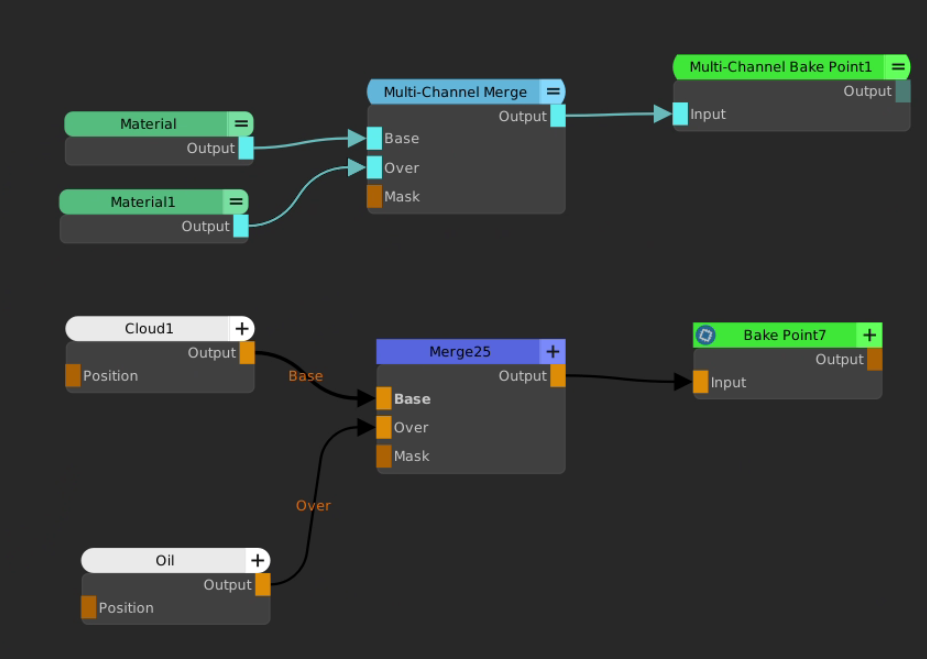
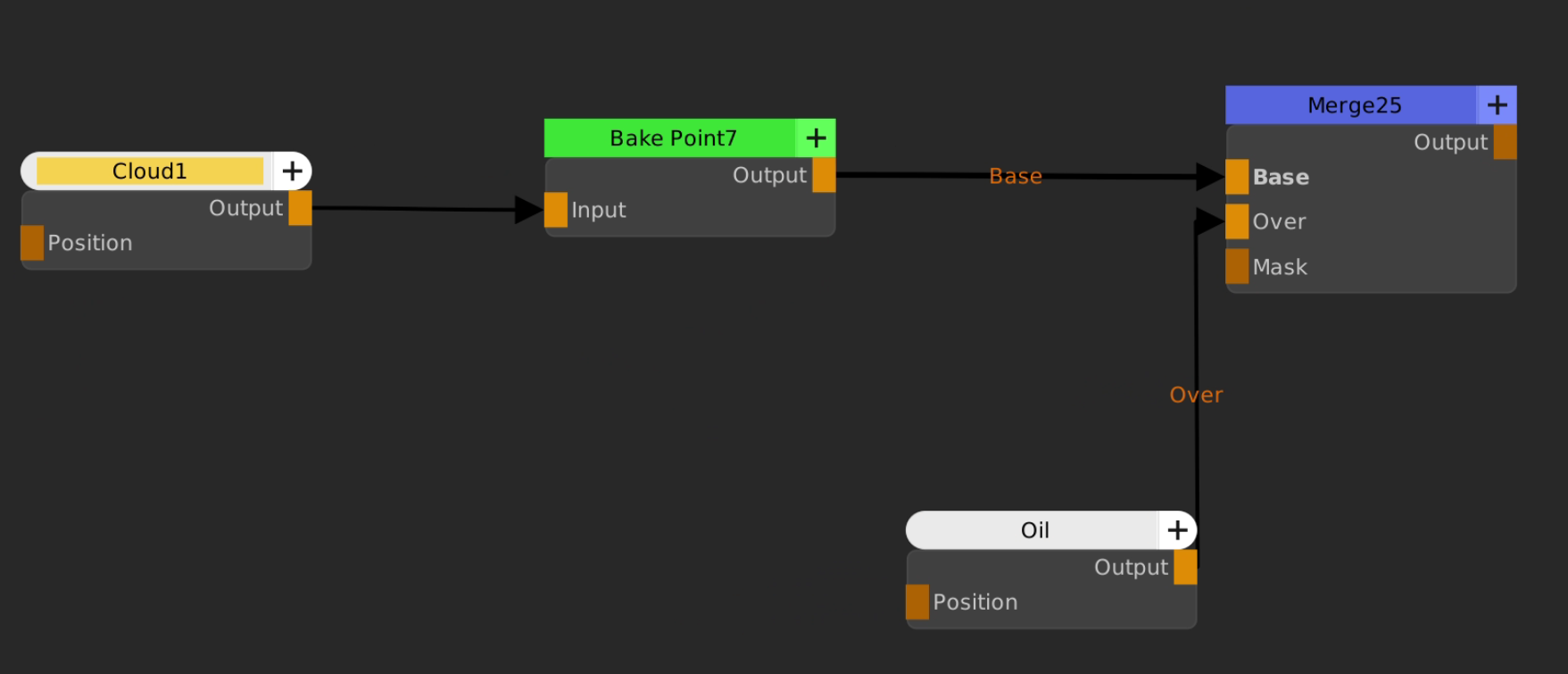
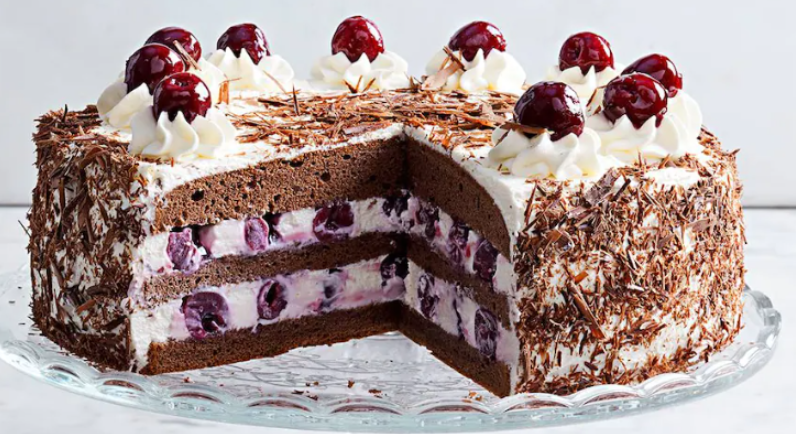
Most assets adhere to a pretty strict material separation, similar to a cake. There is high complexity within each layer but non-the-less there is a clear separation of materials.
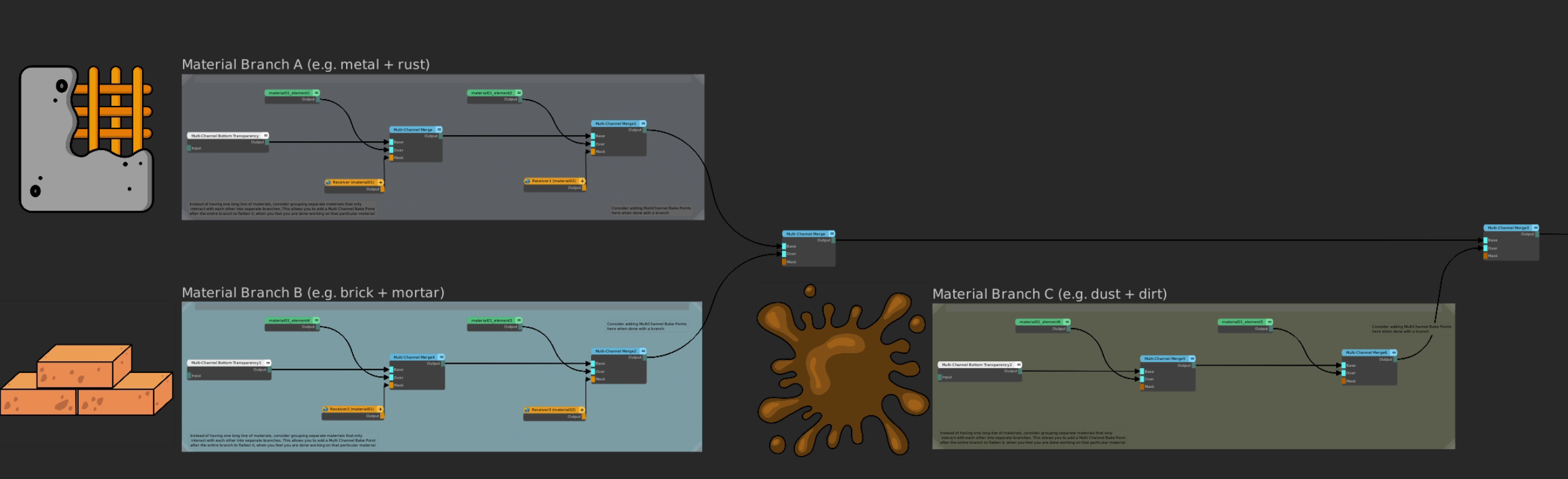
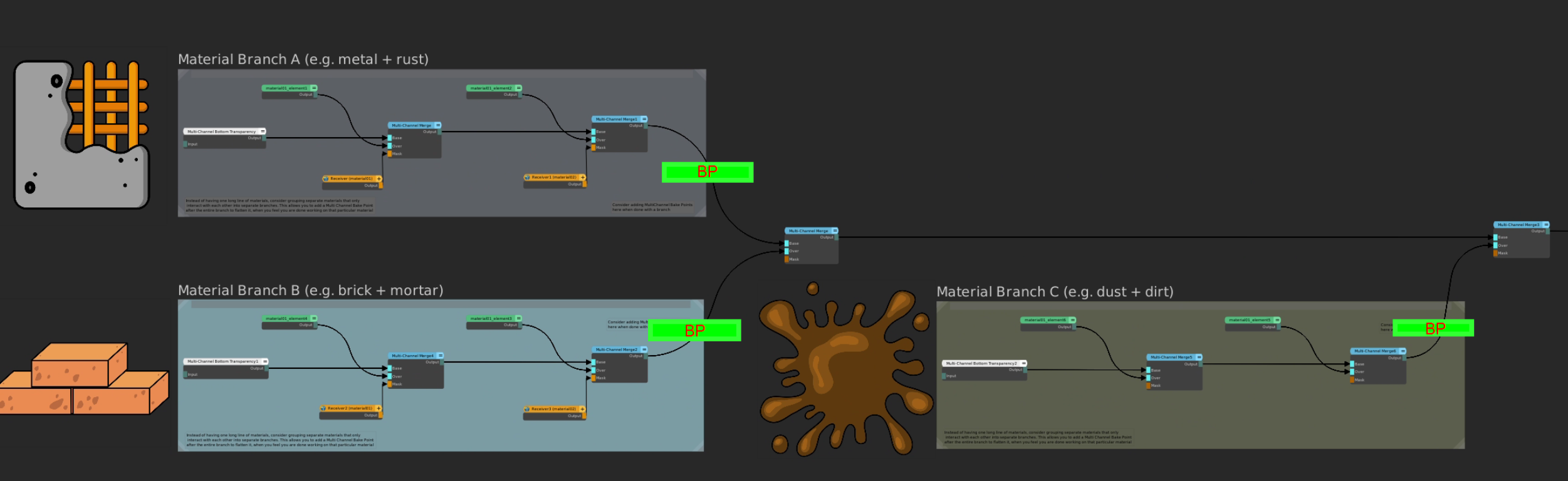

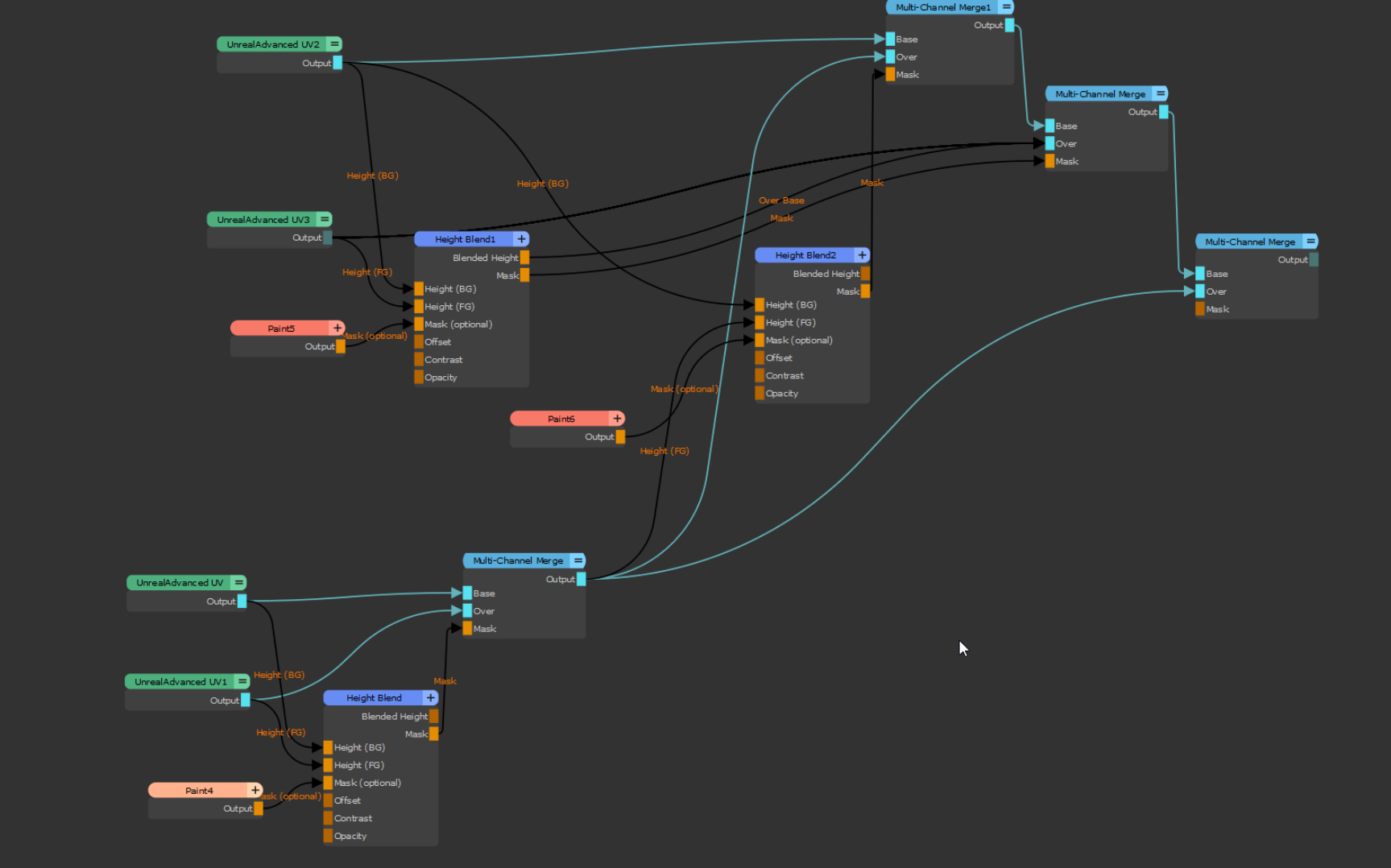
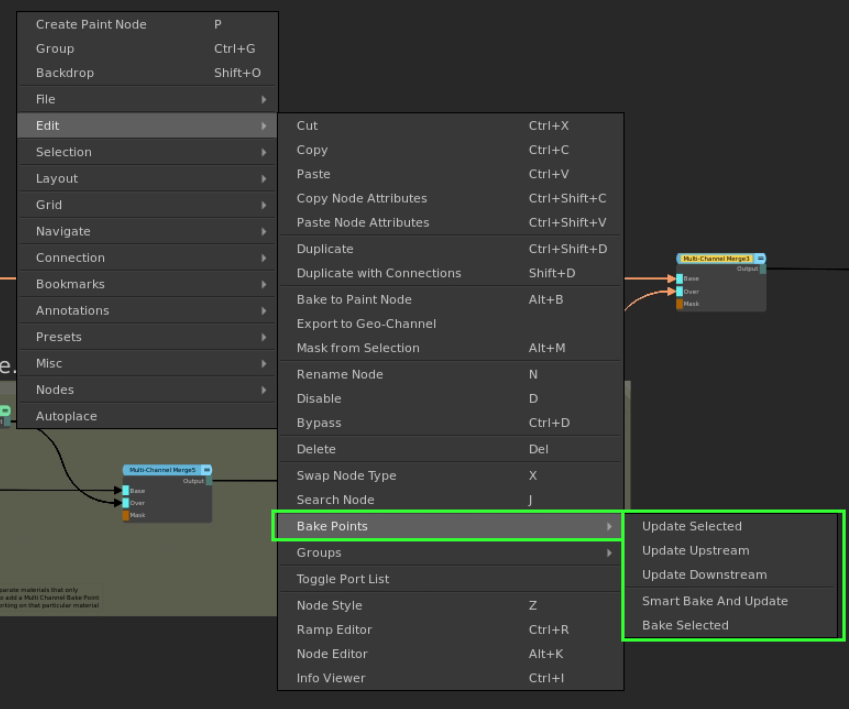
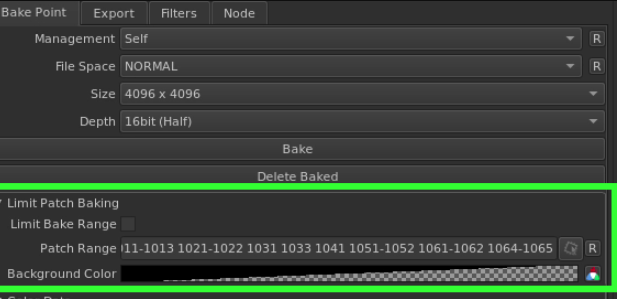
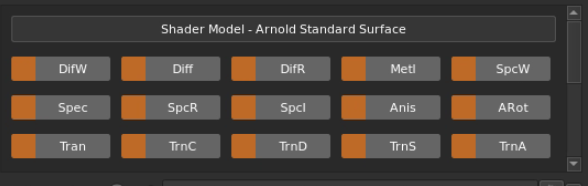
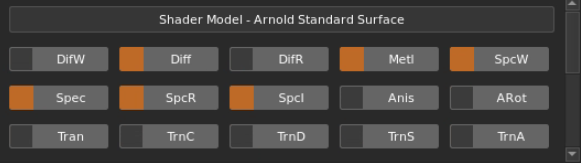
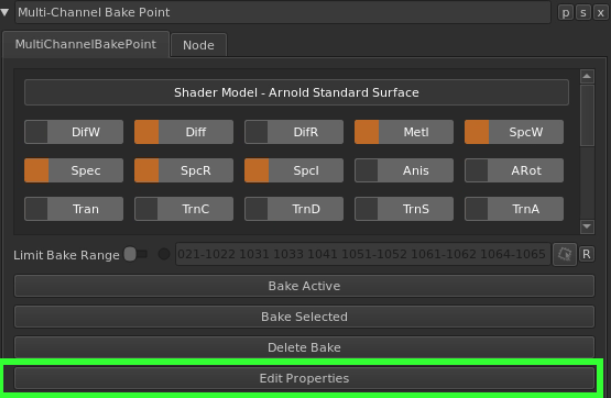
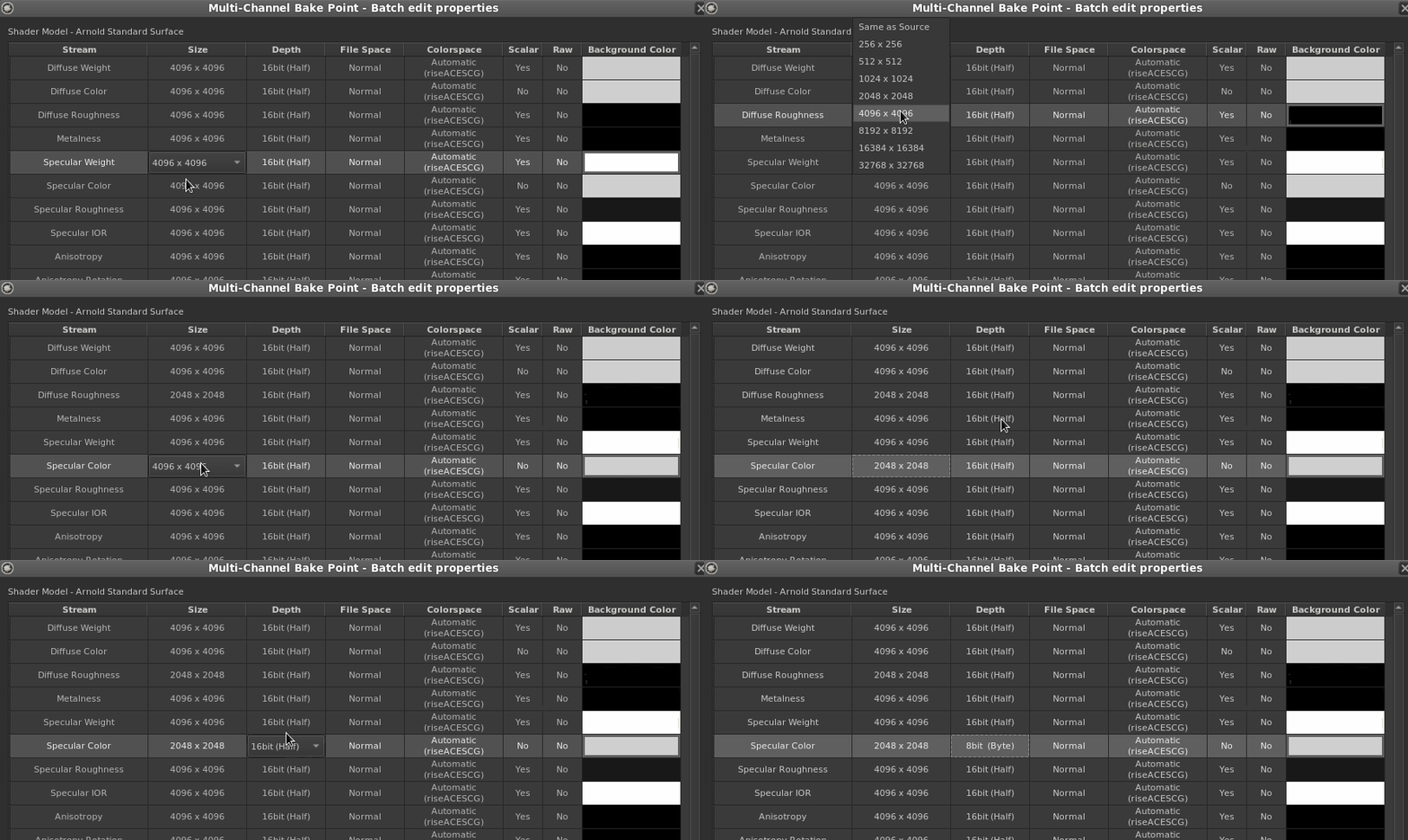
Extension Pack adds Tools to help you optimize your Nodegraph.
The Multi Channel Node Optimizer will remove unnecessary connections improving performance and reducing bake complexity.