
Extension Pack's Substance Palette blends control mechanisms established in Mari, Mari Extension Pack and Substance Painter/Designer to provide the best experience for users familiar with either.
The following workflows are supported for the Properties Section, regardless of the Substance
•You can generate variations of the same material by changing the Seed
To define a fixed seed value, click on the "Pen" Button to the right and enter a value
•A non-default value is marked with an * in its label. 
•Right mouse click the label to reset the value to default
•You can reset all values to default at the bottom of the properties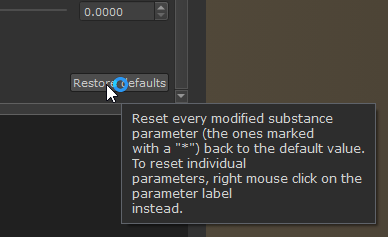
•When right mouse clicking on Sliders, the Extension Pack Increment Ladder is shown. Drag away from a button to change values at different increments
•Place your cursor inside a number field and press Arrow Key Up or down to modify the value to the right of the cursor