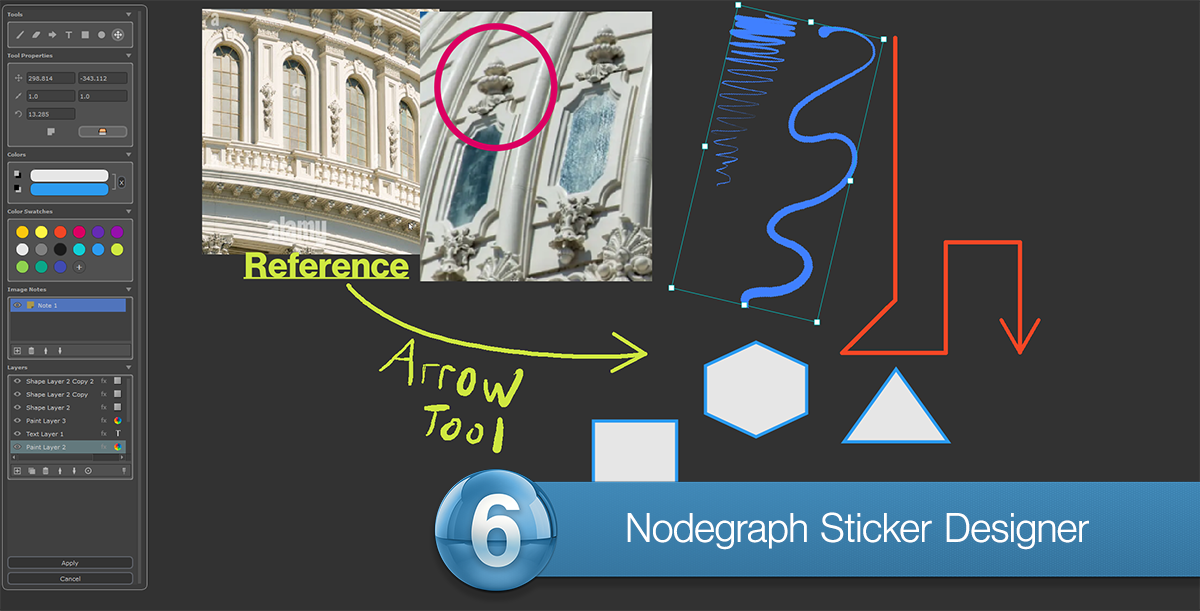
Use Image Note from View to capture your viewport and crop the image to your liking.
To use cropping, press and hold your left mouse button and drag a selection.
To force a square selection, press and hold either SHIFT or CTRL.
To move an existing selection, hold the SPACE bar.

The initial Image Note size in relation to the original capture size can be set in the right corner of the dialog, but can be changed later via the Node Properties
of the Image Note.